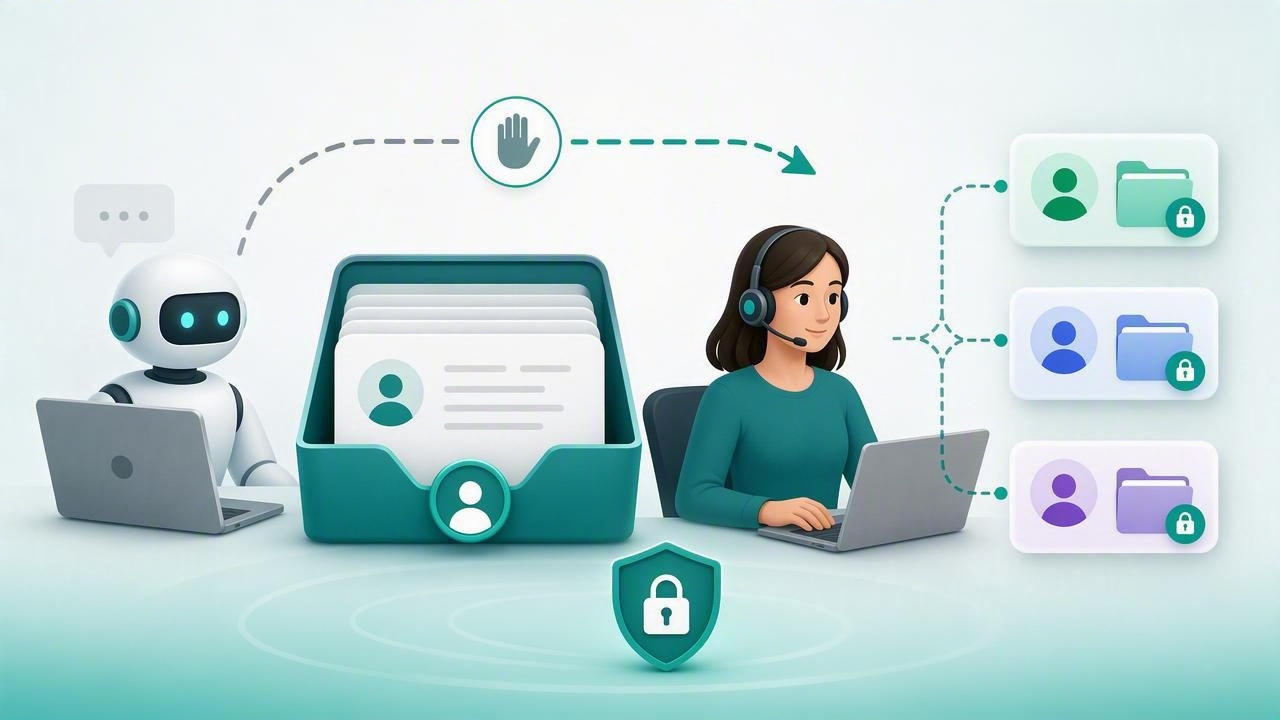
For agencies managing AI agents across multiple brands, automation is only half the service. The other half is knowing what happens when an AI agent needs help. A strong human handoff inbox gives team members the context, permissions, and controls needed to continue a conversation without exposing one client’s data to another.
The best human handoff inbox to separate client data safely is not simply a shared messaging dashboard. It is an operational workspace designed around tenant isolation, role-based access, clear ownership, conversation history, and dependable escalation workflows. This matters especially for agencies deploying WhatsApp AI agents, where customer conversations may include contact details, order questions, appointment requests, qualification responses, and sensitive business information.
This guide explains what to evaluate, which security controls matter most, and how to design a handoff process that scales across clients without creating unnecessary risk.
Why Human Handoff Is Essential for AI Agent Services
AI agents can answer common questions, retrieve approved information from a knowledge base, collect lead details, and route requests. But they should not be expected to resolve every conversation independently. Customers may ask for exceptions, provide incomplete information, raise complaints, or need a qualified human to make a decision.
Human handoff protects the customer experience by ensuring that automation does not become a dead end. It also protects the agency and its clients by giving staff a controlled way to review, intervene, and document decisions.
In a multi-client environment, handoff introduces a specific challenge: an agency team may support dozens of brands, but each brand must remain isolated. A support operator handling Client A should not accidentally search, view, export, or reply to conversations belonging to Client B.
A useful handoff inbox does more than assign chats. It enforces the boundaries that make multi-client AI operations trustworthy.
What Client Data Separation Means in a Handoff Inbox
Client data separation means that conversations, contacts, AI instructions, files, knowledge bases, and user permissions are partitioned by client or workspace. This is often called tenant isolation. It should be reflected throughout the product, not merely in a visual filter.
For example, selecting a client from a dropdown is convenient, but it is not enough if a user can still access another client’s conversation through a direct URL, API request, search result, notification, or export.
A secure design makes isolation enforceable at the application and database layers. Each request should be evaluated against the user’s permitted organization, client workspace, role, and assigned queues.
Data that should be isolated by client
- Customer conversations and message attachments
- WhatsApp contacts, labels, and lead qualification fields
- Agent prompts, instructions, tools, and model settings
- Client PDFs, FAQs, product documents, and knowledge-base content
- Human agent notes, internal comments, and resolution tags
- Analytics, reporting, conversation exports, and audit records
- Channel credentials, webhooks, API keys, and integration settings
Keeping these assets separate reduces the chance of accidental disclosure and makes it easier to deliver a professional white-label service.
Core Features of the Best Human Handoff Inbox
When comparing platforms, prioritize workflow controls and security architecture over cosmetic inbox features. The following capabilities are the foundation of a safe multi-client handoff experience.
1. Workspace-level conversation isolation
Every conversation should belong to exactly one client workspace. The inbox should load only conversations from workspaces the current user is authorized to access. This prevents an agency operator assigned to a retail client from seeing messages from a healthcare, legal, or property client.
Look for separate client views rather than a single unfiltered pool of chats. If an agency manager needs cross-client visibility, that access should be explicit, limited, and logged.
2. Role-based access controls
Not every user needs the same privileges. A good inbox supports roles that match real operating responsibilities.
| Role | Recommended Access | Typical Use |
|---|---|---|
| Agency owner | Manage clients, users, billing, policies, and audits | Platform governance |
| Agency operator | Access assigned client queues and handle escalations | Day-to-day support |
| Client manager | View own workspace, reports, and approved conversations | Client oversight |
| Client agent | Reply only to assigned or team queues | Sales or support handoff |
| Auditor | Read-only access to approved records | Compliance review |
Use the principle of least privilege: give each user only the access necessary to perform their work. Avoid shared logins, broad administrator accounts, and permanent access for temporary contractors.
3. Conversation assignment and ownership
A handoff is more reliable when every escalated conversation has a clear owner. The inbox should support assignment to an individual, team, or queue, with visible status indicators such as open, pending, assigned, and resolved.
Assignment rules can route by client, language, business hours, lead score, topic, or location. For example, a WhatsApp agent for a dental clinic could hand off urgent booking requests to the receptionist queue while routing billing questions to an office manager.
4. Full AI-to-human context
Humans should not need to ask customers to repeat themselves. An effective inbox shows the complete transcript, any captured fields, relevant knowledge-base references, AI actions, and the reason for escalation.
Useful context may include:
- The customer’s latest intent and requested outcome
- Lead qualification answers, such as budget or preferred service
- The agent’s confidence level or escalation rule triggered
- Internal notes that are invisible to the customer
- Links to the relevant client knowledge-base source
At the same time, context must be limited to the current client workspace. More context is helpful only when it is the right context.
Security Controls That Prevent Cross-Client Exposure
Security cannot depend solely on careful employees. Agencies need technical safeguards that make unsafe actions difficult or impossible.
Authorization on every request
Server-side authorization should be checked whenever a user reads a conversation, sends a message, changes an assignment, uploads a file, or exports data. Front-end hiding is not a security control; users must be denied access even if they manipulate a browser URL or call an endpoint directly.
if conversation.workspace_id not in current_user.allowed_workspaces:
    deny_access()

if current_user.role not in ["owner", "operator", "client_agent"]:
    deny_access()
The exact implementation will vary, but the principle is consistent: authorization must validate both the user and the client workspace for every protected action.
Audit logs and accountable actions
An audit log records who viewed, assigned, replied to, exported, or changed a conversation. This is valuable for diagnosing operational issues and investigating suspicious activity. At a minimum, log the user, timestamp, client workspace, action, and affected record.
Auditability also improves service quality. If a lead was missed, the agency can identify where the handoff stalled and adjust routing rules or staffing coverage.
Secure exports and retention policies
Exports create copies of client data outside the inbox, so they deserve special treatment. Restrict export permissions, record export activity, and avoid sending sensitive conversation files through unsecured channels. Establish retention policies for transcripts, attachments, and archived contacts based on each client’s legitimate operational requirements.
For higher-risk industries, agencies should involve the client’s legal, privacy, and security stakeholders when defining retention and access policies.
How to Evaluate a Human Handoff Inbox
Use a structured evaluation rather than choosing based on a demo alone. Ask vendors or internal technical teams the following questions:
- Can one client’s users ever search or access another client’s contacts and conversations?
- Is isolation enforced in the database and API layer, not just the interface?
- Can permissions be restricted by client, team, role, and queue?
- Does the system preserve AI context while protecting internal notes?
- Are assignments, replies, exports, and permission changes auditable?
- Can the agency connect its preferred OpenAI-compatible models without mixing client data?
- Does the platform support human handoff for WhatsApp and other required channels?
- Can the agency self-host if its clients require greater infrastructure control?
These questions shift the conversation from “Does it have an inbox?” to “Can we safely operate this service at scale?”
A Practical Handoff Workflow for Agencies
A consistent workflow helps agencies turn handoff into a repeatable managed service rather than an improvised support task.
- Define escalation triggers. Examples include a customer asking for a human, low AI confidence, a complaint, a payment issue, or a high-value lead.
- Route to the correct client queue. Rules should use the client workspace first, then route based on topic, language, hours, or lead type.
- Assign an accountable person. Set ownership and an expected response target.
- Provide context. Include the transcript, collected fields, AI summary, and relevant internal notes.
- Respond as the client brand. The human should continue naturally on the same channel and avoid making the customer restart the conversation.
- Resolve and improve. Tag the outcome, update the knowledge base if needed, and review recurring escalation patterns.
This approach supports recurring revenue because the agency can offer ongoing monitoring, inbox coverage, optimization, reporting, and knowledge-base maintenance as part of a defined service package.
Common Mistakes to Avoid
- Using one shared inbox with manual client filters: This increases the risk of replies or searches in the wrong account.
- Giving every operator administrator access: Broad privileges make errors more damaging.
- Handing off without a summary: Customers receive slower service when humans lack context.
- Mixing internal notes with customer-visible messages: Private operational details can be exposed accidentally.
- Ignoring inactive user accounts: Remove access promptly when contractors or client staff leave.
- Skipping audit reviews: Logs only create value when teams periodically review them.
Choosing the Right Foundation
The best human handoff inbox to separate client data safely should combine isolated workspaces, granular permissions, auditable activity, contextual handoff, and reliable queue management. For agencies, these are not optional enterprise extras; they are the operating model required to support many clients responsibly.
Whether you choose managed infrastructure or self-hosted AI software, prioritize verifiable separation of conversations, knowledge, credentials, and user access. Platforms such as OpenLivery are built around the multi-client agency use case, combining branded AI agents, client-specific knowledge, WhatsApp conversations, and human handoff workflows in isolated workspaces.
