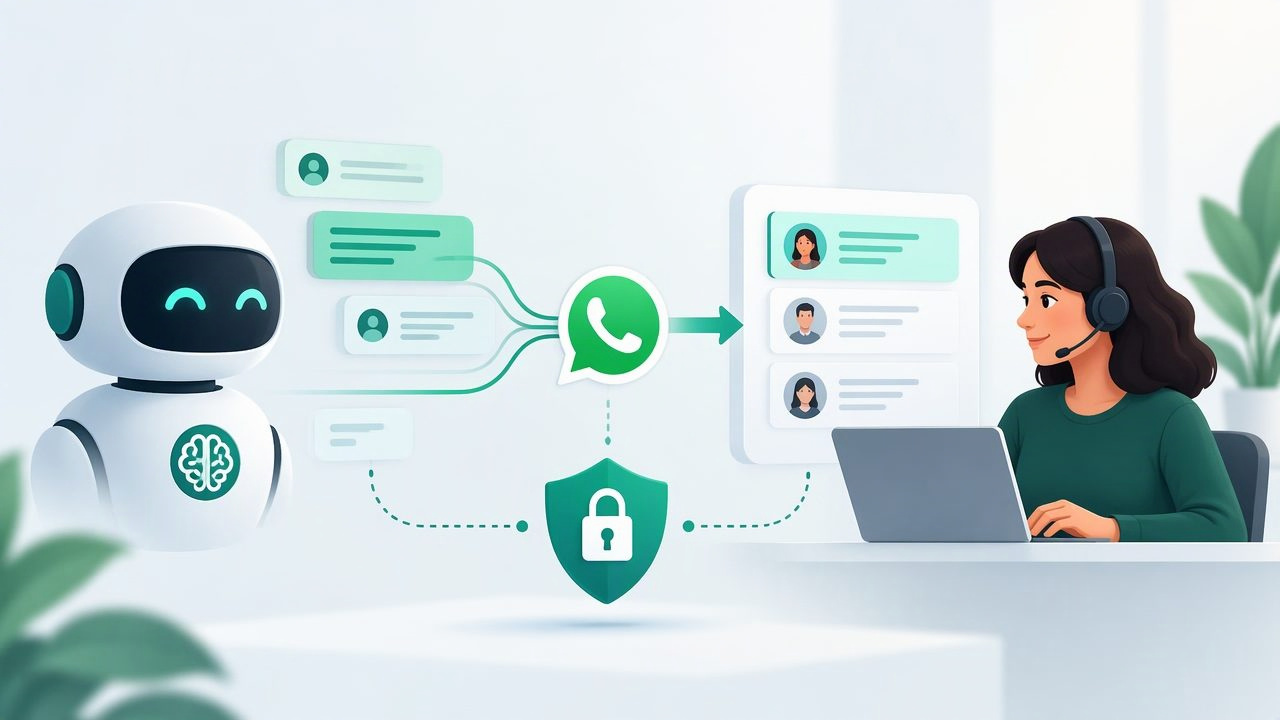
Connecting an OpenAI-compatible model to a human handoff inbox lets an AI agent handle routine questions while giving a person a clear way to take over when needed. For agencies managing WhatsApp agents across several clients, this setup can improve response times without treating automation as a replacement for customer support.
The connection involves more than entering an API key. You need to configure the model endpoint, give the agent the right client knowledge, define when a conversation should be handed off, and make sure the inbox preserves enough context for a human to continue. This guide explains how to plan and test that workflow.
What the connection does
An OpenAI-compatible model uses an API format similar to the OpenAI chat completions interface. A compatible provider may be hosted by a cloud vendor or run on infrastructure you control. The shared format can make it easier to change models, but it does not guarantee that every provider supports identical features or request options.
The human handoff inbox is where staff review conversations that need attention. Depending on the platform, the inbox may support assignment, internal notes, status changes, and a pause on automated replies. Together, the model and inbox create a workflow: the agent responds when it can, and a person takes over when the situation calls for judgment.
Plan the conversation flow first
Before configuring an endpoint, decide what the agent is allowed to do and when it should stop. For example, a WhatsApp agent might answer opening-hours questions from a client-approved PDF, ask a prospect about their needs, and send complicated pricing requests to a staff member. It should not invent a discount or promise a delivery date that is not in its knowledge base.
Write down the handoff conditions in plain language. Common triggers include a direct request for a person, low confidence, repeated failure to answer, a complaint, or a sensitive request. Clear rules help the agency configure and evaluate the same behavior across client accounts while retaining client-specific policies.
What you need before setup
- A model endpoint: the provider’s base URL, model name, and API key or other authentication method.
- An agent platform: a system that can send messages to a compatible endpoint and connect conversations to an inbox.
- Client-approved knowledge: current FAQs, service details, and policies, separated by client.
- Inbox ownership: named teams or users, availability expectations, and a process for unassigned conversations.
- A test channel: a WhatsApp test number or another safe environment where you can try normal and handoff scenarios.
Step 1: Configure the model provider
In the agent’s model settings, enter the provider’s base URL, the model identifier, and credentials. Some platforms ask for an OpenAI-compatible API key even when the provider is not OpenAI. Use the exact values from the provider’s documentation; URL paths and authentication headers can differ. Store credentials in protected settings or a secrets manager rather than in a prompt, source file, or client-visible field.
Choose a model based on the work it must do. A fast, economical model may be sufficient for answering short FAQ questions, while a more capable model may handle nuanced qualification or multilingual conversations better. Confirm whether the provider supports the features your agent platform requires, such as streaming responses, tool calls, or structured output.
Step 2: Add the right client knowledge
Attach only material that belongs to the relevant client. A knowledge base might include an approved service guide, return policy, contact details, or frequently asked questions. Use clear, dated documents and remove duplicate or outdated versions. If the agent cannot find a supported answer, its instructions should tell it to say so and offer a handoff rather than filling the gap with a guess.
For agencies, data separation is essential. Each client should have a distinct agent configuration, knowledge collection, and conversation history. Check that a user assigned to one account cannot view another client’s messages or documents unless their role explicitly permits it.
Step 3: Define handoff rules and instructions
Tell the model how to recognize a handoff and what to do immediately before it. A useful instruction is specific: acknowledge the request, avoid claiming a person has already replied, and pass a short summary of the customer’s question and any information already collected. Avoid vague directions such as “escalate when necessary” unless you define what necessary means.
For example, the agent could be instructed to hand off when the customer asks for a human, reports a billing problem, expresses strong dissatisfaction, or asks for advice outside the approved knowledge base. Set a sensible limit on repeated clarification questions. If the customer’s intent remains unclear after one or two attempts, offering human help is often better than looping.
Handoff behavior is usually controlled by the agent platform, not by the model alone. Confirm how the platform represents a handoff: it may create an inbox item, apply a status or tag, assign a team, and pause automatic replies. Test the actual behavior rather than relying only on prompt wording.
Step 4: Connect the inbox to the conversation
Choose which team receives each type of conversation. Route sales questions to the sales queue, support issues to the support team, and urgent matters according to the client’s escalation policy. If the platform allows assignment by business hours, configure an after-hours response that sets an honest expectation about when a person will reply.
Make the handoff useful for the recipient. The inbox should show the original conversation, the reason for escalation, and a concise summary. Preserve the customer’s language and avoid adding unnecessary personal information. Where available, include the relevant knowledge source or agent notes so the human does not have to ask the customer to repeat everything.
Step 5: Test the complete workflow
Run tests using the same channel customers will use. A successful model response in a dashboard does not prove that WhatsApp delivery, inbox creation, and automation pause behavior are all working. Try a known FAQ, a question the knowledge base cannot answer, a direct request for a person, and a complaint that needs careful handling.
| Test case | Expected result |
|---|---|
| Approved FAQ | The agent answers from client-approved information. |
| Unknown detail | The agent does not invent an answer and offers a handoff. |
| Request for a person | The inbox receives the conversation and automation pauses as configured. |
| After-hours message | The customer receives a clear expectation without a false promise. |
| Other client’s information | The agent cannot retrieve or reveal another client’s data. |
Check both sides of each test: the customer’s experience and the staff member’s inbox view. Confirm that messages arrive in order, the right queue is selected, and a human can reply without the model sending a conflicting follow-up.
Protect credentials, conversations, and permissions
Keep API keys out of prompts and conversation logs, rotate credentials when staff or vendors change, and restrict access to model settings. Give inbox users the minimum permissions they need. Agency administrators may need cross-client oversight, but that should be an intentional role with auditable access—not the default for every team member.
Review what data is sent to the model provider, how long it is retained, and whether it may be used for provider-side training. These details depend on the provider and its account terms. Share only the context needed to answer the customer, and define retention and deletion practices that fit the agency’s contractual and legal obligations.
Troubleshoot common connection problems
- Authentication errors: verify the key, header format, and account permissions. Confirm that the key is for the intended provider environment.
- Model not found: check the exact model identifier and confirm that the account has access to it.
- Slow or failed replies: review provider status, timeout limits, rate limits, and network access from the agent platform.
- Handoff does not appear: inspect the platform’s escalation conditions, inbox routing rules, and any required tags or status transitions.
- AI replies after takeover: check whether automation pauses on assignment or requires a separate handoff state.
- Answers mix client details: stop the affected agent, review account boundaries and retrieval settings, and test isolation before resuming service.
Keep a record of the provider, model, configuration changes, and test results for each client deployment. This makes it easier to identify whether a problem comes from the endpoint, the prompt, the knowledge base, or the inbox workflow.
Measure quality after launch
Track more than the number of conversations the agent answers. Useful measures include successful handoff rate, time to first human reply, unresolved conversations, repeated customer questions, and cases where staff correct an AI response. Review a sample of conversations regularly, with access limited to authorized people. Use findings to refine the client’s knowledge and escalation rules rather than simply increasing automation.
Build a dependable human-in-the-loop workflow
A reliable connection combines a compatible model endpoint, scoped client knowledge, explicit escalation rules, and an inbox that gives staff enough context to act. Start with a narrow set of supported questions, test the full channel-to-inbox journey, and expand only after the handoff behaves consistently. Agencies comparing open-source AI agents for agencies can also evaluate whether the platform offers the required permissions, deployment model, and client separation; OpenLivery is one option that supports managed cloud and self-hosted workflows.
