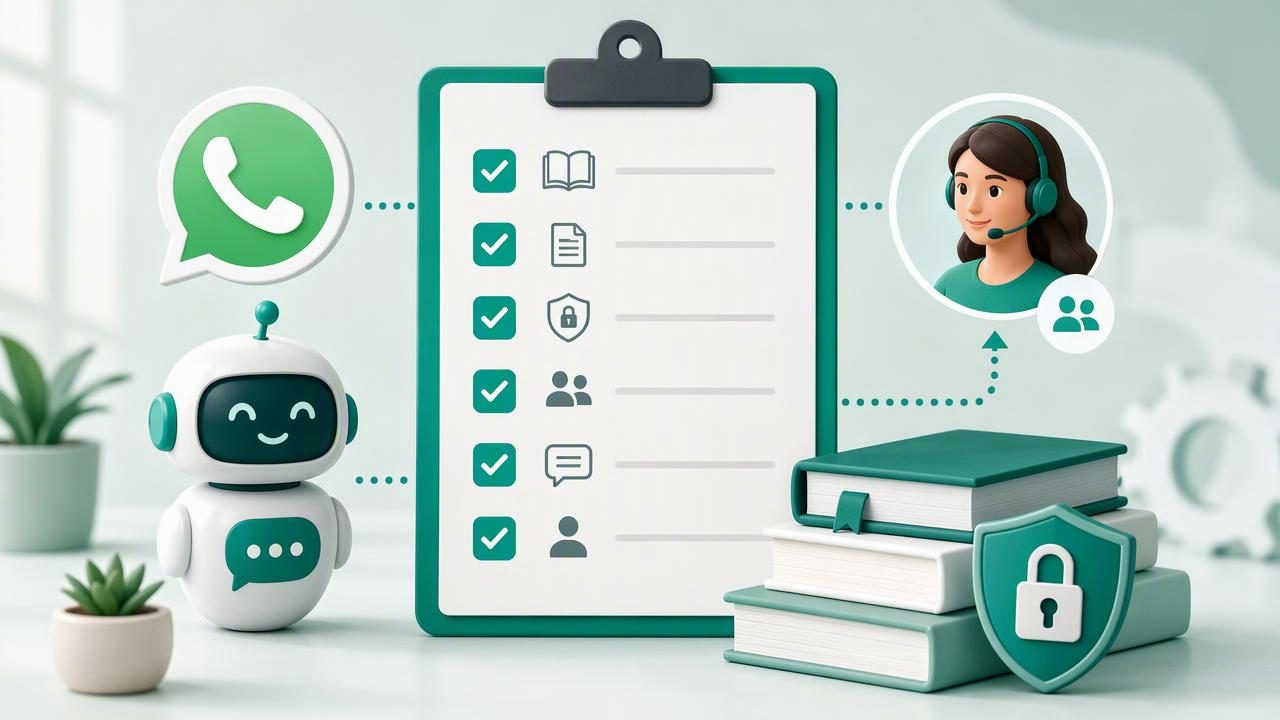
Deploying a WhatsApp agent is not simply a matter of connecting a phone number to an AI model. For agencies, a successful launch requires accurate client information, clear permissions, reliable escalation rules, and a process that can be repeated across accounts.
This deploy a WhatsApp agent for a client checklist with client knowledge base is designed for agencies that want to launch AI agents responsibly while protecting each client’s brand, leads, and customer conversations. Use it before opening the agent to real WhatsApp users, whether the agent is answering FAQs, capturing lead details, supporting customers, or routing conversations to a human team.
Why WhatsApp Agent Deployment Needs a Checklist
WhatsApp is often a high-intent channel. A user who sends a message may be requesting pricing, booking an appointment, asking for urgent support, or comparing providers. If the AI agent gives an inaccurate answer, misses a qualified lead, or fails to hand off a sensitive conversation, the consequences can be immediate.
A deployment checklist gives agency teams a consistent framework for quality control. It also makes the client onboarding process easier to explain: the client knows what information they must provide, when they must review it, and what the agent is and is not allowed to do.
The goal is not to create an agent that answers every question. The goal is to create an agent that can confidently handle approved tasks, recognize its limits, and involve a human at the right moment.
Phase 1: Confirm the Client’s Goals and Scope
Before uploading documents or writing prompts, define the job the WhatsApp AI agent is expected to perform. Broad goals such as “improve customer service” are not specific enough for a dependable launch.
Define the primary conversation outcomes
Ask the client to prioritize no more than three initial outcomes. For example:
- Answer common pre-sales questions about services, locations, and availability.
- Qualify inbound leads by collecting contact details, budget, location, and timing.
- Book consultation requests or send qualified leads to a sales team.
- Provide order-status guidance using approved processes.
- Route existing customers to the correct support channel.
A narrowly scoped first release is easier to test and improve. It is better for an agent to say, “I’ll connect you with the team for that,” than to improvise a policy, price, or technical recommendation.
Document what the agent must not do
Every deployment should include explicit boundaries. Depending on the industry, the agent may need to avoid medical, legal, financial, safety, employment, or contractual advice. It may also be prohibited from issuing refunds, changing bookings, making guarantees, collecting payment card information, or discussing confidential account data without verification.
Practical rule: If an incorrect answer could create financial loss, compliance exposure, reputational damage, or personal risk, create a human handoff path instead of relying on a generated response.
Phase 2: Build a Client Knowledge Base That Is Safe to Use
The knowledge base is the operational foundation of a useful WhatsApp agent. It should contain current, approved information that the agent can use to answer questions consistently. A folder full of old PDFs, duplicate price sheets, and internal notes is not a knowledge base; it is a source of conflicting answers.
Gather the right source materials
Request source content from the client in categories. This makes gaps and contradictions easier to find before the agent is live.
- Company basics: business name, service areas, opening hours, contact details, website, and locations.
- Products and services: descriptions, eligibility rules, packages, inclusions, exclusions, and common comparisons.
- Pricing: current price lists, quote rules, taxes, fees, promotions, and conditions.
- Policies: cancellations, returns, delivery, privacy, warranties, booking rules, and payment policies.
- FAQs: real questions collected from WhatsApp, sales calls, email, and support tickets.
- Escalation content: who handles urgent cases, complaints, technical issues, and account-specific questions.
Clean, organize, and validate documents
Knowledge retrieval works better when documents are clear and focused. Remove obsolete promotions, duplicate documents, placeholders, and unsupported claims. Give files descriptive names such as Service-Area-and-Hours.pdf or Approved-Pricing-Policy.pdf, not final_v7_new.pdf.
For long documents, break content into logical sections. A dense 100-page company handbook may contain useful information, but it should not be the only source the agent relies on for a simple pricing question. Create concise, approved reference pages for high-frequency topics.
| Knowledge Base Item | Owner | Review Question |
|---|---|---|
| Pricing and promotions | Sales or commercial lead | Is every listed price current and conditionally accurate? |
| Policies and terms | Operations or legal reviewer | Does this match the published policy? |
| Service descriptions | Product or service owner | Are capabilities and exclusions stated clearly? |
| Handoff procedures | Support or sales manager | Can the team receive and respond to escalations? |
Phase 3: Set Up Agent Instructions and Lead Qualification
The model’s instructions should translate the client’s operating rules into practical conversation behavior. Do not rely on vague instructions such as “be helpful” or “answer accurately.” Define tone, objectives, allowed content, restricted topics, and escalation triggers.
Create a clear agent role
A good role definition explains who the agent represents and what it should accomplish. For example, a local home-services agent may welcome users, explain approved services, ask qualifying questions, collect a preferred callback time, and notify the sales team. It should not diagnose a property issue or promise an exact quote without inspection.
Include brand voice guidance, but keep it practical. Specify whether the client prefers concise or detailed replies, formal or friendly language, emojis or no emojis, and which language(s) the agent can support.
Use a consistent qualification flow
Lead qualification should feel conversational rather than interrogative. Ask only for information the team will use. A typical flow can include:
- Identify the customer’s request or service need.
- Confirm location or service area.
- Ask about timing, urgency, or preferred appointment date.
- Collect a name and contact detail when appropriate.
- Ask one or two business-specific questions, such as budget range or product type.
- Summarize the request and explain the next step.
Make sure the agent can answer why it is asking for personal information. If consent is required under the client’s process, include clear consent language and limit data collection to what is necessary.
Phase 4: Design Human Handoff Before Launch
Human handoff is a core feature of a trustworthy WhatsApp AI agent, not a fallback added after complaints begin. The agent needs clear triggers, a destination, and a response expectation.
Common handoff triggers include:
- A user explicitly asks to speak with a person.
- The agent cannot find a reliable answer in the knowledge base.
- The conversation involves a complaint, cancellation, payment issue, or urgent request.
- The user asks for an exception, a custom quote, or account-specific help.
- The agent receives signs of frustration, repeated questions, or low confidence.
Define who receives each escalation and how they are notified. A sales lead should not disappear into a generic inbox, and an urgent support request should not wait until the next business day without an appropriate expectation-setting message.
Phase 5: Secure the Client Workspace and Permissions
Agency operations become risky when client data, documents, and conversations are loosely shared between accounts. Each client should have isolated knowledge, conversations, users, and configuration wherever possible.
Apply role-based access. Agency administrators may need visibility across workspaces, while client users may only need access to their own conversations and analytics. Decide who can upload knowledge-base files, modify instructions, view personal data, export conversations, and manage WhatsApp channel settings.
Also establish a document update process. A price change or policy revision should have a named owner, a review date, and a method for replacing outdated content. The best knowledge base becomes unreliable if no one maintains it.
Phase 6: Test Realistic WhatsApp Conversations
Never test only happy-path questions. Build a test set from actual customer language, including short messages, misspellings, vague requests, multilingual questions, voice-note summaries where relevant, and users who change topics halfway through the conversation.
Test at least these scenarios before launch:
- Questions answered directly from the knowledge base.
- Questions with no approved answer.
- Incorrect assumptions made by the user.
- Pricing questions with conditions or exclusions.
- Requests for a human representative.
- Lead qualification from first message through handoff.
- Angry, urgent, or repetitive customer messages.
Record failures in a launch log. For each issue, identify whether the problem is caused by missing knowledge, unclear instructions, an overly broad scope, a poor handoff rule, or a channel integration issue. Fix the underlying system rather than adding one-off wording for every test question.
Final Pre-Launch Checklist
- The client has approved the agent’s goals, boundaries, tone, and escalation rules.
- Knowledge-base documents are current, organized, and assigned to content owners.
- Pricing, policy, and service claims have been reviewed by the appropriate client stakeholder.
- Lead fields, consent wording, and CRM or team-routing processes are confirmed.
- Human handoff recipients, notification methods, and service expectations are documented.
- Client workspaces, permissions, and conversation access are isolated and reviewed.
- Realistic test conversations have been completed and logged.
- The client knows how to report errors and request knowledge-base updates.
Make Deployment Repeatable Across Clients
A repeatable checklist helps an agency turn custom WhatsApp agent projects into a reliable delivery process. Templates can standardize discovery questions, knowledge-base folders, qualification flows, handoff rules, approval steps, and launch testing without making every client agent identical.
The most successful deployments combine automation with accountability: accurate client knowledge, carefully limited permissions, measurable lead handling, and a human team ready to take over when needed. Platforms such as OpenLivery can support this model by providing isolated client workspaces for managed or self-hosted AI agent operations.
