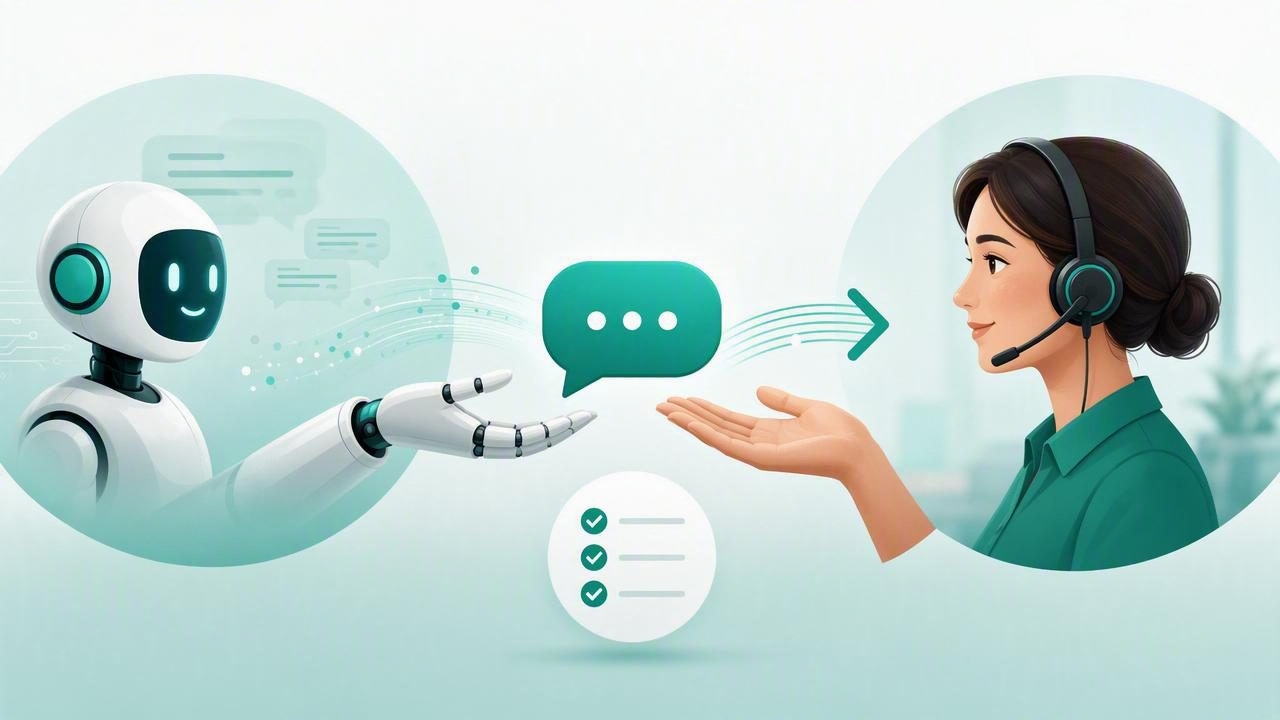
AI agents can answer common questions, capture lead details, explain services, and support customers around the clock. But the strongest automated experiences are not designed to replace people in every situation. They are designed to recognize when a person should take over.
For agencies managing WhatsApp AI agents across multiple clients, a reliable human handoff process is essential. A weak handoff can create duplicate replies, expose the wrong customer data, lose a qualified lead, or leave a customer frustrated after repeating their issue. A structured process protects the client experience while helping agency teams deliver dependable automation at scale.
This hand a conversation to a human checklist with AI agency platform guidance explains what to configure before launch, what should happen during escalation, and how to improve results after the human takes over.
Why Human Handoff Is a Core AI Agent Capability
Human handoff is the controlled transfer of a conversation from an AI agent to a designated person or team. The transfer may happen because the user asks for a human, because the agent detects uncertainty, or because a workflow reaches a sensitive business decision.
For example, an AI agent for a property agency may answer questions about available listings, collect budget and location preferences, and suggest viewing times. However, negotiations, legal questions, or requests involving private financial documents should move to a trained human team member.
Without a clear handoff workflow, an agent may continue generating unhelpful answers. Alternatively, a human may join without context and ask the customer to repeat everything. Neither outcome creates trust.
The goal of human handoff is not simply to stop automation. It is to transfer context, ownership, and responsibility to the right person at the right moment.
When Should an AI Agent Escalate a Conversation?
Every client should define escalation rules based on its industry, risk level, operating hours, and team capacity. Avoid relying on a single rule such as “escalate when the customer is unhappy.” Good AI agent workflows use several triggers.
Common handoff triggers
- Direct request: The person asks to speak with an agent, representative, advisor, or manager.
- Low confidence: The AI agent cannot answer using approved knowledge or receives conflicting information.
- High-intent lead: The prospect asks for pricing, a proposal, a demo, availability, or a contract.
- Complaint or emotional signal: The conversation includes anger, urgency, a refund request, or repeated dissatisfaction.
- Compliance or legal topic: The user requests medical, legal, financial, privacy, or regulated guidance.
- Account-specific action: The person needs changes to billing, bookings, orders, personal data, or access permissions.
- Repeated failure: The agent has misunderstood the user or failed to resolve the issue after a defined number of attempts.
- Out-of-scope request: The request is outside the client knowledge base, services, or approved conversation policy.
These rules should be specific enough to implement and easy enough for client stakeholders to review. In a multi-client environment, one client’s escalation policy must not accidentally affect another client’s agent.
Pre-Launch Checklist for Human Handoff
Before connecting an AI agent to a live WhatsApp number or website channel, confirm that the team has agreed on the operational details. The following checklist helps agencies avoid the most common handoff gaps.
1. Define ownership by conversation type
Document who owns each category of conversation. “The sales team” is usually too vague. Instead, assign specific queues, roles, or named owners for sales, customer support, technical issues, cancellations, and urgent requests.
| Conversation type | Handoff destination | Target response time | Priority |
|---|---|---|---|
| New pricing request | Sales queue | 15 minutes | High |
| Order status question | Support queue | 60 minutes | Normal |
| Refund complaint | Support lead | 15 minutes | High |
| Legal or compliance question | Authorized specialist | 1 business day | Restricted |
Clear routing prevents a qualified lead from sitting in a general inbox while someone assumes another teammate is responding.
2. Configure business hours and fallback coverage
A handoff rule is incomplete if no human is available. Set business hours, time zones, holidays, and expected response windows for every client. Then decide what happens outside those hours.
- Tell the user when the team will respond.
- Offer a form, booking link, or callback request where appropriate.
- Keep the conversation open and preserve all context.
- For urgent categories, route to an on-call team only when the client has explicitly approved that process.
Never imply that a human is immediately available when no one is assigned to monitor the queue.
3. Create a concise handoff message
The agent should clearly tell the customer what is happening. The message should be polite, realistic, and avoid pretending that the AI is a human employee.
I’m connecting you with a member of our team who can help with this. I’ve shared the details you provided, so you should not need to repeat them. We’ll reply here as soon as possible.For urgent situations, use language approved by the client. Do not promise a response time unless the team can consistently meet it.
4. Prepare a human-readable conversation summary
Context is the difference between a smooth transfer and a frustrating restart. When an AI agent hands off a conversation, the receiving person should see a short summary alongside the full transcript.
A useful summary includes:
- The customer’s name and contact details, if provided.
- The reason for the conversation.
- Important facts, preferences, order numbers, or lead qualification answers.
- Actions the agent has already taken.
- The handoff trigger and urgency level.
- Suggested next step, clearly marked as a suggestion rather than a completed action.
Keep summaries factual. An agent should not state that a customer “is angry” as a certainty when it only detected negative language. Instead, write: “Customer expressed dissatisfaction after two unresolved delivery-status questions.”
5. Set permissions before giving inbox access
Agency teams often work across many client accounts. That makes data isolation and permissions non-negotiable. Staff should only access the conversations, documents, and tools required for their role.
Use role-based access controls for agency administrators, client managers, sales staff, support representatives, and external contractors. Review who can export conversations, change agent instructions, view knowledge base files, or access connected model credentials.
For sensitive client operations, keep an audit trail of assignment changes, manual replies, agent configuration edits, and data exports. This helps agencies investigate issues without exposing unrelated client data.
Live Handoff Checklist: What Must Happen During Escalation
Once a trigger occurs, the workflow should run consistently. Use this operational checklist when configuring a WhatsApp AI agent or another customer-facing channel.
- Detect the trigger: Identify direct human requests, risk keywords, confidence thresholds, workflow conditions, or intent categories.
- Pause or limit AI responses: Prevent the agent from continuing to answer after transfer. Some teams allow a brief acknowledgement only; others fully pause automation until a human closes the handoff.
- Assign the correct queue: Route by client, language, topic, urgency, region, or account owner.
- Notify the responsible person: Use inbox alerts, email, internal chat notifications, or CRM tasks based on the client’s established process.
- Send the customer confirmation: Explain that a team member will respond and set a realistic expectation.
- Attach context: Include the transcript, AI-generated summary, customer details, tags, and any captured lead information.
- Record the event: Log why the handoff happened, when it was assigned, and whether the response-time target was met.
- Let the human take ownership: The representative should introduce themselves, address the issue directly, and avoid asking for information already collected.
What the Human Agent Should Do Next
Technology can route a conversation, but the human response determines whether the customer feels supported. Give client teams a simple response standard.
- Read the summary and recent messages before replying.
- Introduce yourself by name or team role.
- Acknowledge the customer’s specific question or concern.
- Confirm any critical details when needed, rather than assuming the AI’s interpretation is correct.
- Take the approved action or explain the next step and timeline.
- Update tags, lead status, or CRM fields after resolving the conversation.
For example: “Hi Maya, I’m Daniel from the bookings team. I can see you are looking to move Friday’s appointment to next week. I’ll check the available times now and send you options shortly.” This response uses the existing context while making the human takeover clear.
Measure Handoff Quality, Not Just Automation Volume
Agencies should not judge success only by the number of conversations the AI agent handles. A high containment rate can be misleading if customers are unable to reach a human when they need one.
Track these metrics separately for each client:
- Handoff rate: Percentage of conversations transferred to humans.
- Response-time compliance: Percentage answered within the agreed service level.
- Resolution after handoff: Whether the human team solved the issue without another transfer.
- Repeat-contact rate: Whether customers return soon with the same unresolved issue.
- Lead conversion rate: Conversion of escalated high-intent leads into booked calls, proposals, or sales.
- Handoff reason trends: Topics that cause frequent escalations and may require better knowledge base content or workflow design.
Review transcripts regularly. If an agent frequently escalates questions that are safely answerable, improve the client knowledge base. If it answers questions that should always be transferred, tighten instructions and rules.
Final Checklist for Reliable Human Takeover
Before launch, verify the following:
- Each client has separate agents, conversations, knowledge, and routing rules.
- Escalation triggers are documented and approved.
- Every queue has an owner, backup, and response target.
- The AI agent sends a transparent handoff message.
- Human representatives receive a summary and full conversation context.
- Automation pauses appropriately after transfer.
- Permissions limit access to the right client data and actions.
- Handoff events and response performance are measurable.
- Teams review edge cases and update rules over time.
A dependable human handoff system makes AI automation more useful, not less. It gives customers confidence that help is available, gives client teams the context to respond quickly, and gives agencies a repeatable way to operate multiple AI deployments responsibly. Platforms such as OpenLivery can support this model by combining isolated client workspaces, knowledge-based agents, and human conversation management in one operational workflow.
