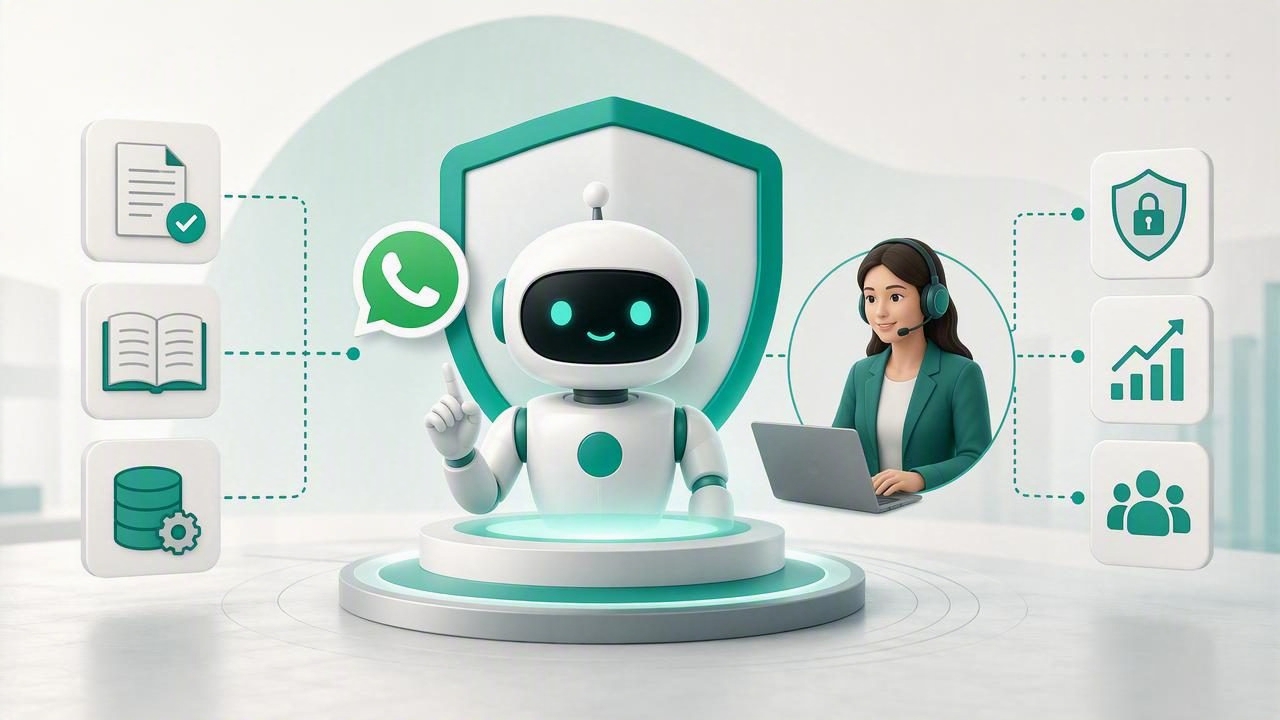
Learning how to launch an AI agent under your brand is no longer just a technical exercise. For agencies, consultants, and service providers, it is an opportunity to create a repeatable, high-value offering that helps clients answer questions, qualify leads, support customers, and route conversations to the right people.
However, a branded AI agent is only useful when it feels accurate, safe, and genuinely aligned with the client’s business. A generic chatbot with the wrong information, unclear ownership, or no human handoff can quickly damage trust. The strongest launches combine brand positioning, client knowledge, conversation design, access controls, and ongoing optimization.
This guide explains a practical process for launching branded AI agents, especially for agencies managing multiple client accounts and WhatsApp-based conversations.
What Does It Mean to Launch an AI Agent Under Your Brand?
A branded AI agent is an assistant delivered as part of your agency’s service rather than as a standalone third-party tool. The client sees an agent that reflects their business identity, tone of voice, services, and operating rules. Depending on the use case, the agent may appear on WhatsApp, a website chat widget, a client portal, or internal communication channels.
For an agency, branding can include more than a logo. It includes:
- Client-specific identity: Name, greeting, tone, and conversational style.
- Relevant knowledge: Services, policies, products, FAQs, documents, and approved answers.
- Defined workflows: Lead qualification, appointment requests, support triage, or escalation.
- Human oversight: Clear pathways for team members to take over conversations.
- Data boundaries: Separate client knowledge bases, conversations, and permissions.
The goal is not to pretend that an AI agent is human. The goal is to provide immediate, helpful assistance while making it easy for people to step in when expertise, approval, or empathy is required.
Start With a Narrow, Valuable Use Case
The fastest way to delay a launch is to build an agent intended to answer everything for everyone. Instead, start with a focused job that produces a measurable business outcome. A narrow first use case makes knowledge preparation easier, reduces risk, and gives the client a clear reason to continue paying for the service.
Common first deployments include:
- Answering frequent pre-sales questions on WhatsApp.
- Qualifying inbound leads before they reach a sales representative.
- Collecting appointment preferences and contact details.
- Explaining service packages, availability, and onboarding requirements.
- Routing support requests based on topic, urgency, or account type.
- Providing internal teams with quick answers from approved documentation.
Choose a use case with enough volume to matter but with clear boundaries. For example, a property agency could launch an agent that captures location, budget, property type, and preferred viewing time. It should not initially provide legal advice, negotiate contracts, or make promises about property availability.
Define Success Before Building
Agree on a small set of success metrics with the client. This prevents subjective feedback such as “the bot does not feel smart enough” from becoming the only measurement.
| Use Case | Useful Metric | Example Goal |
|---|---|---|
| Lead qualification | Qualified leads captured | Increase qualified enquiries by 20% |
| Customer support | First-response time | Respond within one minute |
| Appointments | Completed booking requests | Reduce abandoned enquiries |
| Knowledge assistance | Accurate self-service resolution | Resolve common questions without staff input |
Build a Reliable Client Knowledge Base
An AI agent is only as dependable as the information it can access. Before connecting PDFs, web pages, spreadsheets, or policy documents, organize the material. Outdated, duplicated, or contradictory content will produce inconsistent answers regardless of which model you use.
Ask the client to provide approved source material in priority order. Start with content that is customer-facing, current, and frequently needed in conversations. This often includes service descriptions, pricing rules, operating hours, eligibility requirements, return policies, onboarding documents, and staff escalation contacts.
Use a Knowledge Review Checklist
- Remove documents that are obsolete or no longer approved.
- Identify conflicting statements, especially around pricing, availability, and policies.
- Separate public information from private internal procedures.
- Write concise answers for the ten to twenty most common questions.
- Mark topics the agent must never answer without human approval.
- Assign a client-side owner responsible for future content updates.
Do not treat a knowledge base as a one-time upload. It is an operating asset. Create a monthly or quarterly review process so the agent stays aligned with changing offers, regulations, and business policies.
Design the Agent’s Brand Voice and Conversation Rules
Branding an AI agent means defining how it communicates as well as what it knows. A luxury hospitality brand may need a warm, polished tone. A local repair company may benefit from direct, friendly, practical answers. A financial services provider may require more formal language and strict disclaimers.
A strong instruction set should cover tone, scope, fallback behavior, and lead capture. Avoid vague prompts such as “be helpful.” Instead, give the agent usable rules.
You are the virtual assistant for a home renovation company.
Use clear, friendly language and keep answers concise.
Only answer using approved company information.
For pricing estimates, explain that a specialist must confirm the scope.
Ask for location, project type, budget range, and preferred contact method.
If the question concerns contracts, complaints, or urgent safety issues,
offer to connect the customer with a human team member.
Instructions should also specify whether the agent can make recommendations, collect personal information, share links, or initiate a handoff. This creates predictable behavior across every channel.
Connect WhatsApp Without Losing the Human Experience
WhatsApp AI agents are especially valuable because customers already use WhatsApp for quick, informal communication. They can reduce missed enquiries outside office hours and provide instant responses when staff are busy. But WhatsApp conversations are personal, so an automated experience must be transparent and respectful.
At the beginning of a conversation, disclose that the customer is speaking with a virtual assistant. Then provide a simple option to reach a person. A short message can work well:
“Hi, I’m the virtual assistant for the team. I can help with common questions and appointment requests. If you would prefer a person at any time, just type human.”
Keep initial messages short. Mobile users rarely want a long explanation of capabilities. Ask one question at a time, avoid unnecessary forms, and summarize collected details before sending a lead to the client team.
Make Human Handoff a Core Feature, Not a Backup Plan
Human handoff is one of the most important parts of a trustworthy branded AI agent. The agent should escalate when it lacks confidence, encounters a sensitive issue, receives a complaint, or identifies a high-value opportunity. A good handoff preserves context so the customer does not need to repeat everything.
Define handoff triggers in advance:
- The customer explicitly asks for a person.
- The agent cannot find an approved answer.
- The conversation involves payment, legal, medical, or safety concerns.
- A lead meets a high-intent qualification threshold.
- The customer shows frustration or repeats a question.
During a handoff, the agent should acknowledge the request, explain what happens next, and provide a realistic expectation. For example: “I’ve shared your request with our support team. They will review the conversation and reply here as soon as possible.”
Protect Client Data With Isolation and Permissions
Multi-client agency operations require more than separate branding. Each client must have isolated conversations, knowledge, users, and access rights. A mistake that exposes one client’s documents or customer messages to another client is a serious operational and reputational risk.
Before launch, confirm that the platform and workflow support the following controls:
- Separate workspaces or tenants for every client.
- Role-based permissions for agency administrators, client managers, and support staff.
- Restricted access to uploaded documents and chat history.
- Auditability for configuration changes and team activity.
- Clear retention and deletion practices for conversation data.
- Secure credentials for messaging channels and model providers.
Also clarify who owns the client data, who can export it, and what happens if the client ends the service. These details should be documented in your onboarding process and service agreement.
Test Before You Launch Publicly
Testing should reflect real customer behavior, not only ideal questions. Build a test set from common enquiries, confusing phrasing, misspellings, multiple languages where relevant, and questions the agent should refuse or escalate.
Run a structured acceptance test with the client. Review whether answers are accurate, on-brand, and appropriately cautious. Check that lead details reach the correct team and that human handoff works on the intended channel.
- Test frequent questions against approved answers.
- Test unsupported questions and verify safe fallback responses.
- Test explicit requests for a human.
- Test sensitive topics and restricted information.
- Test lead notifications, routing, and response ownership.
- Test mobile formatting and message length on WhatsApp.
Start with a limited rollout if possible. For example, deploy the agent to one campaign, one region, or business hours only. Use early conversations to improve knowledge gaps before expanding access.
Turn the Launch Into a Repeatable Agency Service
A branded agent becomes more profitable when delivery is standardized. Instead of rebuilding each deployment from scratch, create reusable templates for client intake, knowledge collection, prompt design, testing, permissions, and monthly reporting.
Your recurring service can include conversation monitoring, knowledge updates, performance reviews, new workflow development, and model optimization. This approach helps agencies build recurring revenue while clients receive continuous improvement rather than a forgotten chatbot installation.
When evaluating white-label AI agent platforms, look for multi-client separation, OpenAI-compatible model support, client knowledge management, WhatsApp connectivity, human handoff, and deployment flexibility. Agencies that need greater infrastructure control may also prioritize self-hosted AI software, while others may prefer a managed cloud environment for faster operations.
Final Checklist for a Branded AI Agent Launch
- Choose one high-value, tightly scoped use case.
- Set measurable goals with the client.
- Prepare a clean, approved, client-specific knowledge base.
- Define brand voice, boundaries, and escalation rules.
- Provide transparent WhatsApp messaging and easy human handoff.
- Protect every client with isolated data and role-based permissions.
- Test real-world scenarios before public release.
- Review conversations regularly and improve the agent over time.
Launching an AI agent under your brand works best when it is treated as an ongoing client service, not a one-off automation project. Platforms such as OpenLivery can support this model by giving agencies a foundation for managing branded, client-isolated AI agents with knowledge bases and human handoff workflows.
