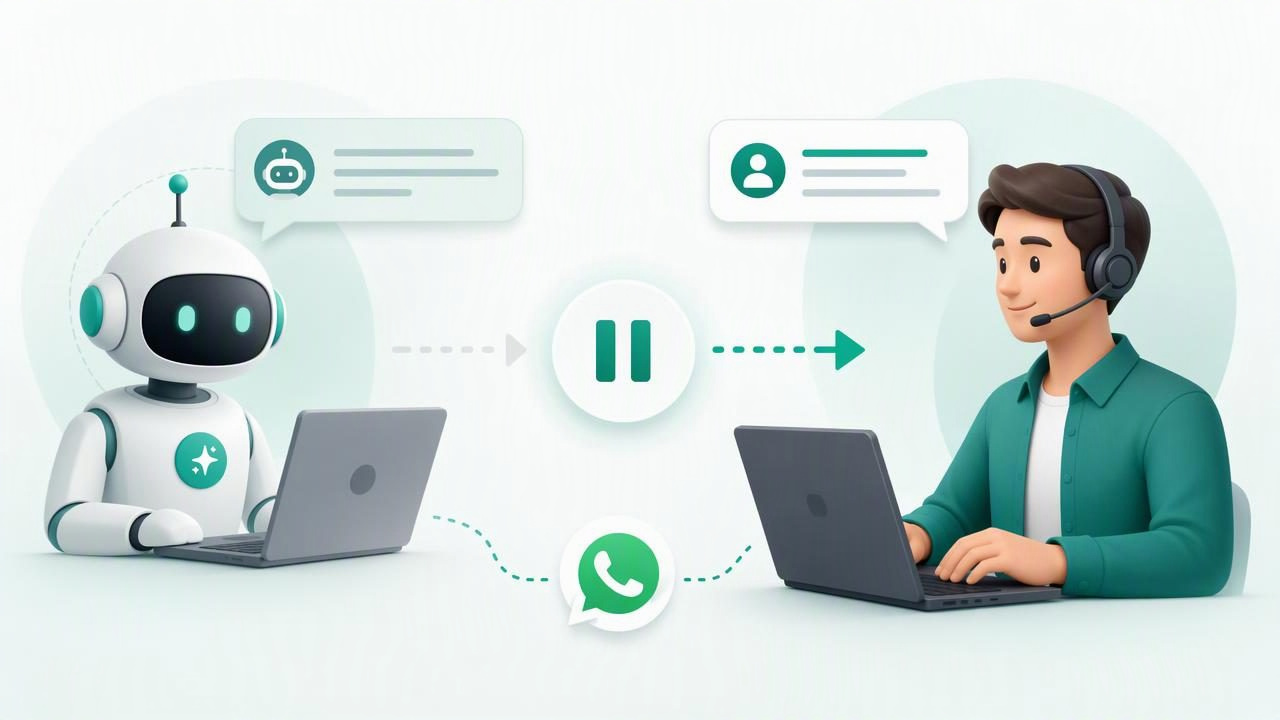
AI agents can answer common questions, capture lead details, and provide fast support around the clock. But an AI agent should not continue sending messages when a human support representative has taken control of a conversation. Without a reliable pause mechanism, customers may receive duplicate, contradictory, or poorly timed replies.
Learning how to pause AI replies during human support is essential for any team using WhatsApp AI agents, website chatbots, or customer messaging automation. A well-designed human handoff process protects the customer experience while giving agents the tools they need to resolve sensitive, high-value, or complex requests.
This guide explains the best ways to pause AI responses, the conversation states you need, common workflow rules, and how agencies can deploy these controls consistently across multiple client accounts.
Why Pausing AI Replies Matters
A human handoff is more than a notification that tells a support employee to join a chat. It is a change in who has permission to respond. Once a human takes ownership, the AI agent must recognize that it is no longer the active responder.
Consider a customer who writes, “I need to cancel my order and speak with someone.” If the AI continues with a generic cancellation FAQ while a support agent is explaining account-specific options, the conversation becomes confusing. In regulated, financial, healthcare, legal, or high-ticket sales contexts, an uncontrolled AI response can also create compliance and trust issues.
A proper pause system helps teams:
- Avoid conflicting messages from the AI and a human agent.
- Protect sensitive conversations that need human judgment.
- Improve accountability by showing who owns each conversation.
- Maintain brand voice during escalations and difficult interactions.
- Reduce support risk by limiting AI activity when exceptions occur.
- Restore automation safely after an agent completes the conversation.
The Core Principle: Use Conversation States
The most dependable solution is to manage each conversation through explicit states. Do not rely only on a prompt instruction such as “do not reply if a human is present.” Language-model instructions are useful, but they are not a reliable substitute for application-level controls.
Instead, store a conversation status in your database or agent platform. Every incoming message should be checked against that status before the AI model is called.
| Conversation State | Who Can Reply | Typical Use Case |
|---|---|---|
| AI active | AI agent | Routine FAQs, lead qualification, first response |
| Human requested | AI may send one acknowledgement | Customer asks for an agent or the AI detects escalation |
| Human active | Assigned human team member | Live support, sales consultation, complaint resolution |
| AI paused | Human team only | Manual review, sensitive issue, temporary hold |
| Resolved | Optional follow-up automation | Conversation is complete and ready for closure |
| AI resumed | AI agent | Human has intentionally returned the chat to automation |
The distinction between human active and AI paused can be valuable. Human active usually means an assigned person is currently handling the chat. AI paused may mean no one is actively typing, but automation must remain disabled until a supervisor or agent explicitly re-enables it.
When Should an AI Agent Pause?
Human support should be able to pause an AI agent manually at any time. However, strong workflows also define automatic triggers that request or initiate a handoff.
Customer-requested handoff
Detect clear phrases such as “talk to a person,” “human agent,” “call me,” or “representative.” The AI can confirm the request once, set the status to human requested, and stop generating further answers until the support workflow decides what happens next.
Confidence or knowledge gaps
If the AI cannot find an answer in the approved client knowledge base, it should not guess. An uncertainty threshold can trigger a human request. For example, an agent can say, “I want to make sure you receive an accurate answer. I’m passing this to our team.”
Sensitive or high-risk topics
Build rules for topics requiring human review, including refunds, billing disputes, account access, legal claims, threats, medical questions, or personal-data requests. Keyword detection alone is not enough, but it can help route conversations before an inappropriate automated reply is sent.
Human intervention
When a team member sends a message from the inbox, many systems should automatically pause the AI. This is one of the most important safeguards because it prevents the AI from replying immediately after a human message.
A Reliable Human Handoff Workflow
The following workflow works well for WhatsApp AI agents and other conversational support channels:
- Detect the trigger. A customer requests a person, the AI has low confidence, or a support employee clicks a handoff button.
- Update the conversation state. Change the record from AI active to human requested or AI paused.
- Assign or notify the right team. Route billing questions, sales leads, and technical cases to the appropriate queue.
- Send one clear acknowledgement. If appropriate, tell the customer that a person will help soon. Do not promise an exact response time unless your team can meet it.
- Block model execution. Incoming messages can be stored and shown to the human, but they should not trigger an LLM response while the pause is active.
- Document the outcome. The human resolves the case, adds notes if needed, and chooses whether to close or resume automation.
- Resume intentionally. Re-enable AI only through an explicit action or a carefully designed timeout policy.
Implement the Pause Check Before Calling the Model
The pause rule belongs in the message-processing layer, not only in the AI prompt. This ensures the AI model never receives a message that it is not authorized to answer.
async function handleIncomingMessage(conversation, message) {
  if (conversation.status === 'human_active' ||
      conversation.status === 'ai_paused') {
    await saveMessage(message);
    await notifyAssignedAgent(conversation, message);
    return;
  }

  if (shouldRequestHuman(message)) {
    await updateConversation(conversation.id, {
      status: 'human_requested'
    });
    await sendMessage(conversation.id,
      'Thanks. A member of our team will continue with you shortly.');
    return;
  }

  const answer = await generateApprovedAIReply(conversation, message);
  await sendMessage(conversation.id, answer);
}
In production, also use idempotency controls. Messaging platforms can resend webhooks, and two events may arrive nearly at the same time. Before sending an AI response, re-check the latest conversation state. This prevents a reply generated seconds earlier from being delivered after a human has claimed the conversation.
Choose the Right Resume Policy
Resuming automation is often harder than pausing it. Automatically switching the AI back on too quickly can frustrate customers who believe they are still speaking to a person.
For most support teams, the safest default is manual resume. A human agent clicks “resume AI” after clearly ending their part of the interaction. This is especially appropriate for complaints, payment matters, and conversations involving personal information.
Automatic resume can work in lower-risk workflows, such as lead qualification. For example, an agency may let the AI resume after a sales representative marks the lead as complete and 24 hours pass without a new human message. If you use timeout-based automation, notify the customer when appropriate and record the event in the conversation history.
Permissions and Audit Logs Are Essential
In a multi-client agency environment, not every user should be able to alter every conversation. Client isolation, role-based access, and activity logs protect both agency operations and customer data.
At minimum, record the following events:
- Who paused or resumed the AI agent.
- When the state changed and why.
- Which team member was assigned the conversation.
- Whether the handoff was requested by the customer, AI, or staff.
- Any automated message sent during the transition.
Permissions should also distinguish between client users, agency administrators, and technical operators. A team member working on one client account should never be able to view or resume an AI agent for another client.
Common Mistakes to Avoid
Using only prompt instructions
A prompt can guide behavior, but it cannot enforce system permissions. Application logic must decide whether an AI reply is allowed.
Allowing both responders at once
Unless you deliberately design a co-pilot workflow, only one responder should own the outbound message stream at a time. A human can use AI-generated drafts internally without allowing the AI to send messages directly.
Resuming AI without context
When automation resumes, the agent should receive the relevant conversation history and current status. It should not restart with a generic greeting or repeat questions the human already answered.
Ignoring business-hour routing
If human support is unavailable, tell customers what to expect. The AI may continue handling approved topics, but escalation requests should enter a visible queue rather than disappear.
Measure Whether Your Handoff Process Works
Track handoff rate, first human response time, resolution time, reopened conversations, customer satisfaction, and the percentage of AI replies blocked after a pause. Review transcripts where customers ask twice for a human; these cases often reveal missed detection rules or confusing acknowledgement messages.
A practical goal is not to eliminate human handoffs. It is to make them timely, controlled, and easy for customers. The best AI support systems know when to automate and when to step aside.
Build Human Control Into Every AI Deployment
Pausing AI replies during human support should be a standard feature of every customer messaging workflow. Use explicit conversation states, enforce the pause before model execution, assign clear ownership, log every transition, and resume automation deliberately.
For agencies managing branded WhatsApp agents across clients, platforms such as OpenLivery can support this model with isolated conversations, client knowledge bases, human handoff workflows, and configurable AI deployments.
