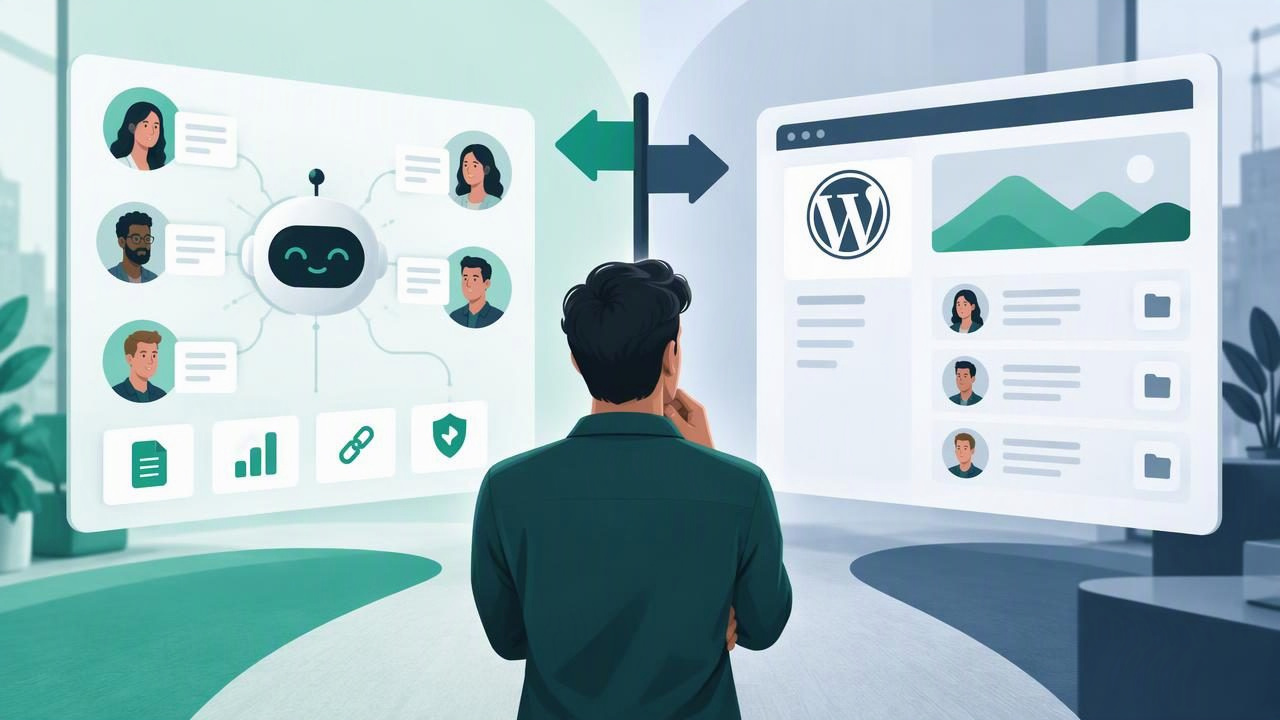
Agencies often start by giving clients a place to view project updates, share files, and submit requests. A WordPress client portal can handle those jobs well. But when an agency begins deploying WhatsApp AI agents for several clients, the work changes: teams need to manage agents, client knowledge, conversations, permissions, and human handoffs—not just provide access to a website.
That difference is at the heart of the multi client AI workspace vs WordPress client portals decision. Both can support client services, but they solve different operational problems. This guide compares their strengths, limitations, and security considerations so agencies can choose a practical foundation—or decide when a combination makes sense.
What Is a Multi-Client AI Workspace?
A multi-client AI workspace is an operating environment for building and managing AI agents across multiple client accounts. It typically lets an agency configure separate agents, attach client-specific knowledge, connect a model provider, review conversations, and route a chat to a human when necessary.
The essential idea is separation within a shared agency operation. Staff can work across client accounts without treating every client’s content and conversations as one common pool. Depending on the platform, separation may be enforced through account boundaries, roles, permissions, and isolated data storage. These details should be checked rather than assumed.
For example, an agency could configure one WhatsApp AI agent to answer questions about a dental clinic and another to qualify enquiries for a real estate firm. Each agent should use the correct business information and escalation rules. Agency staff may oversee both, while client users receive access only to the work relevant to their organization.
What Is a WordPress Client Portal?
A WordPress client portal is a private area of a website that gives clients access to selected pages, resources, forms, or project information. It may be created with membership, project-management, or client-area plugins, or with custom development. Common uses include onboarding documents, invoices, support requests, project status, and shared files.
WordPress is flexible, familiar to many web teams, and supported by a broad plugin ecosystem. It can be an effective choice when the main goal is to present information or let clients complete a defined task through a branded website. However, adding a login-protected page does not automatically create an environment for operating AI agents or managing live conversations.
Key Differences at a Glance
| Consideration | Multi-client AI workspace | WordPress client portal |
|---|---|---|
| Primary purpose | Configure and operate AI services across accounts | Share client-facing pages, files, and workflows |
| Conversation operations | May include chat review, agent controls, and human handoff | Usually needs integrations or custom development |
| Client knowledge | Can associate knowledge sources with specific agents or clients | Can store or display content, but agent retrieval needs additional tooling |
| Branding | May support white-label agent experiences | Highly customizable website design and client pages |
| Best fit | Agencies delivering ongoing AI operations | Agencies sharing project information and client resources |
These are broad patterns, not guarantees. Product capabilities vary, and plugins or custom code can extend WordPress. The comparison is most useful when it starts with the daily work the team needs to perform rather than a feature checklist alone.
Compare the Workflows, Not Just the Interfaces
A portal is often designed around client access: a client signs in, finds a report, submits a form, or downloads a file. An AI workspace is designed around service operation: an agency configures an agent, checks its knowledge, monitors conversations, and improves how it responds.
Consider a lead asking a WhatsApp agent about pricing. The agent may need to answer from approved client documents, ask qualifying questions, and recognize when the person needs a staff member. The agency may then review the conversation, update guidance, or route the enquiry to the client. A portal could display a report about these interactions, but the conversation workflow generally requires an AI operations layer.
Similarly, client onboarding can involve both systems. A WordPress form might collect business details and brand assets. The agency can then use those inputs to configure a client workspace, assign access, connect the right knowledge sources, and test the agent. Each tool serves a distinct stage.
Security and Permissions Need Special Attention
Multi-client operations raise a question that a basic portal comparison can obscure: who can access which client’s data? Agencies should examine how a system separates conversations, uploaded documents, agent settings, and user accounts. Look for explicit client boundaries and role-based permissions, and verify how those controls work in practice.
Ask whether a client user can view only their own agents and conversations, whether agency administrators can access all accounts, and how access is removed when a team member leaves. Also check audit history, data export and deletion options, backup practices, and the handling of credentials for model or messaging providers.
WordPress security depends on the site, hosting, configuration, themes, and plugins. A client portal can be protected, but every additional plugin or custom integration should be maintained and reviewed. An AI workspace also needs careful configuration: separation features are valuable only when permissions and data boundaries are set correctly.
For either approach, document the access model before onboarding clients. Use least-privilege access, avoid shared logins, and test with separate client accounts. Never assume that a branded interface or a password-protected page is, by itself, evidence of strong data isolation.
Knowledge Bases, Models, and Human Handoff
AI agents need more than a chat window. They need a reliable source of client-specific information, a model connection, instructions for handling uncertainty, and a way to involve people when the agent should not continue alone.
When evaluating a workspace, find out how it handles PDFs and other knowledge sources, how changes are updated, and whether content can be assigned to a particular client or agent. Check which OpenAI-compatible models it supports, what model settings teams can control, and whether the agency can change providers without rebuilding its entire client operation.
Human handoff is equally important. A useful workflow should make it clear when an agent escalates, who receives the conversation, and whether automated replies pause while a person takes over. A portal may provide a way to submit a support ticket, but that is different from transferring an active conversation with its context intact.
These capabilities can be built around WordPress, but they may require external services, custom development, or multiple plugins. A dedicated AI workspace may provide a more direct operational fit, though agencies should still test its controls and integrations against their actual use cases.
Cost, Maintenance, and Agency Growth
WordPress can be economical if an agency already maintains sites and needs straightforward client areas. Costs may include hosting, premium plugins, development, security updates, and ongoing troubleshooting. As AI-related requirements grow, custom integrations can introduce additional maintenance and make ownership less clear.
A multi-client AI workspace may consolidate agent management, knowledge, and conversation review, but pricing and infrastructure models vary. A managed cloud can reduce the work of operating servers. Self-hosted AI software can provide more control over deployment and data handling, but the agency takes responsibility for updates, backups, monitoring, and incident response.
Compare the full cost of delivering the service, not just the monthly subscription. Include staff time for onboarding, permissions, model usage, messaging, support, and maintenance. A repeatable workflow can help an agency build predictable service packages and recurring revenue, but only if the system is reliable enough to support multiple clients without creating a growing burden of manual administration.
When a Hybrid Setup Makes Sense
Many agencies do not need to choose one tool for every purpose. A WordPress portal can remain the branded client hub for project plans, invoices, documentation, and requests. A separate AI workspace can handle agent configuration, client knowledge, conversation operations, and escalation.
A hybrid setup works best when the boundary is clear. Decide which system is the source of truth for client details, who can access each tool, and how information moves between them. Avoid copying sensitive conversation data into a portal unless there is a defined business need and appropriate access control. Integrations should be documented and tested, especially when they pass client information between services.
How to Choose the Right Approach
Use these questions to guide a decision:
- What is the main job? Choose a portal-first approach for sharing resources and managing project access. Consider an AI workspace when operating agents and conversations is central.
- How many client environments must stay separate? Review permissions and data boundaries before committing to either platform.
- Which tasks happen every day? Map agent setup, knowledge updates, conversation review, and handoffs to the tools that will perform them.
- Who owns maintenance? Compare managed services with the technical capacity needed for self-hosted deployments and WordPress customization.
- Can the setup grow? Test onboarding, offboarding, reporting, and account administration with more than one client before standardizing.
Run a small pilot with two distinct client examples. Give each a separate knowledge base, create different escalation rules, and test whether users can access only the information intended for them. Include routine updates and a handoff scenario, not just a polished demo conversation. This reveals operational gaps before the workflow becomes part of a service promise.
The Bottom Line
The choice between a multi-client AI workspace and WordPress client portals is less about which technology is universally better and more about what the agency is delivering. WordPress is a flexible way to create branded client access to resources and processes. A multi-client AI workspace is built around managing AI agents and their ongoing operations across accounts.
If clients mainly need a place to find documents and updates, a portal may be enough. If the agency must manage client-specific WhatsApp agents, knowledge, permissions, conversations, and human handoff, a dedicated AI operations layer is likely a closer fit. For agencies that need both, a carefully designed hybrid can keep each system focused. Platforms such as OpenLivery illustrate the AI-workspace side of this model, while the right choice still depends on an agency’s security requirements, delivery process, and technical capacity.
