Building an AI agent demo is relatively easy. Upload a few documents, connect a language model, ask a few polished questions, and the result can look impressive. The harder challenge begins after a client signs: keeping answers accurate, separating data between accounts, updating information without rebuilding the agent, and giving humans control when automation reaches its limits.
To scale beyond AI agent demos with a client knowledge base, agencies need to treat knowledge as an operational system rather than a one-time upload. A well-designed client knowledge base helps AI agents provide useful, brand-aligned answers across WhatsApp, web chat, and other channels while protecting each client’s information.
This guide explains what makes a knowledge base production-ready, how agencies should structure it for multiple clients, and which practices improve answer quality as deployments grow.
Why AI Agent Demos Often Fail in Production
A demo typically uses a small, clean set of information and a narrow set of expected questions. Real customer conversations are not nearly as predictable. People ask incomplete questions, use different wording, request exceptions, and expect current information about pricing, policies, availability, or services.
Without a dependable knowledge layer, an AI agent may rely too heavily on general model knowledge. That can produce plausible but incorrect answers, commonly known as hallucinations. For an agency managing multiple client accounts, one inaccurate response can damage trust in both the client brand and the agency’s service.
Production deployments also introduce operational requirements that a proof of concept may overlook:
- Each client needs completely isolated documents, conversations, and permissions.
- Knowledge must be easy for non-technical staff to review and update.
- Agents need clear boundaries for topics they can answer confidently.
- Customer conversations need a reliable route to a human team member.
- Agency operators need visibility without gaining unnecessary access to every client’s data.
The difference between a demo and a dependable AI service is not simply a better model. It is the combination of curated knowledge, retrieval controls, monitoring, and human escalation.
What Is a Client Knowledge Base?
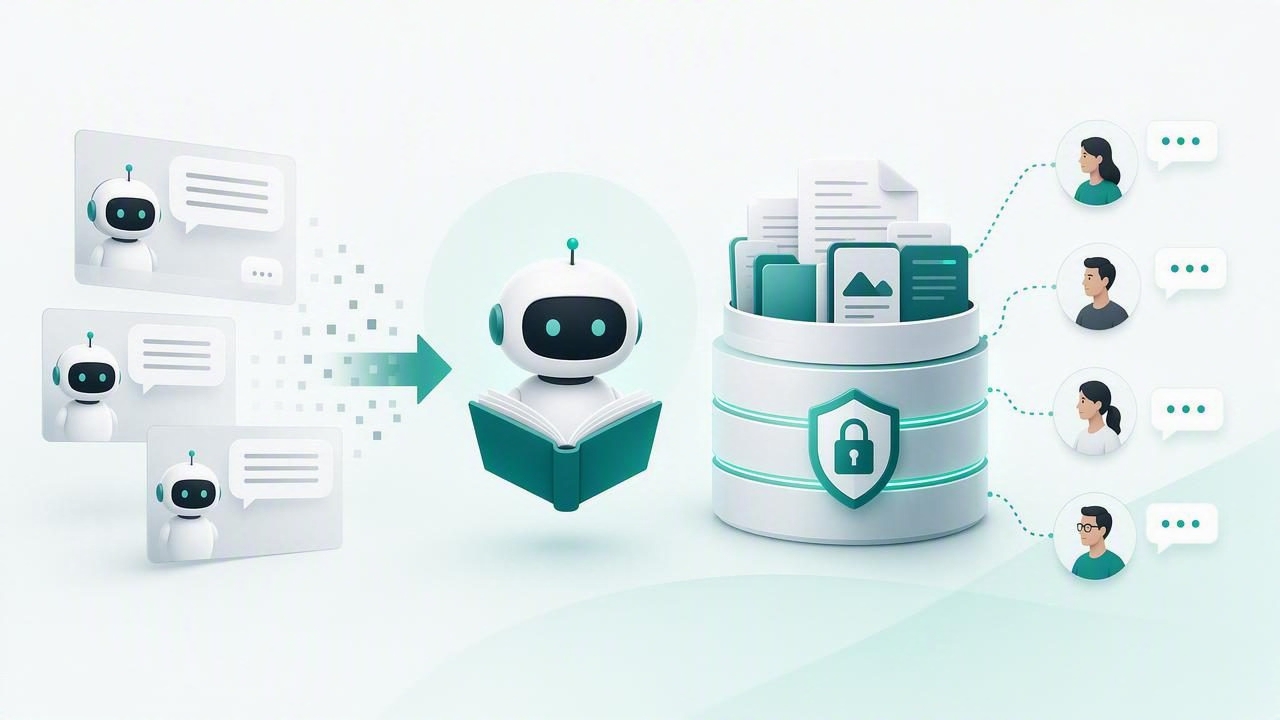
A client knowledge base is a structured collection of approved information that an AI agent can retrieve when responding to customers. It can include PDFs, product documentation, service descriptions, FAQs, policies, internal playbooks, website content, pricing sheets, and carefully written question-and-answer entries.
In a retrieval-augmented generation workflow, often called RAG, the process generally works like this:
- A customer sends a message, such as “Do you offer weekend appointments?”
- The system searches the relevant client’s knowledge base for related content.
- The most useful passages are supplied to the AI model as context.
- The model writes an answer based on that approved context and the agent’s instructions.
- If the system cannot find reliable information, the agent asks a clarifying question or hands the conversation to a human.
This approach does not make an agent automatically accurate. However, it gives the agent a controlled source of truth and makes it easier to maintain answers as a client’s business changes.
The Building Blocks of a Production-Ready Knowledge Base
1. Clear source ownership
Every document should have an owner. For example, a client’s operations manager may own service policies, while the sales lead owns pricing and qualification criteria. Ownership prevents outdated files from remaining active simply because nobody knows who is responsible for reviewing them.
Create a simple source register containing the document name, owner, date added, review date, audience, and status. This can be maintained in a spreadsheet or inside the agency’s internal workflow.
2. Content that answers real questions
Long documents are useful reference material, but they are not always written for customer-facing conversations. Improve retrieval quality by adding concise, direct answers to common questions. A salon, for example, may need explicit entries for cancellation rules, deposits, accepted payment methods, location details, and booking changes.
Use the language customers actually use. If customers say “Can I reschedule?” but the policy document only says “appointment modification,” include both terms. This improves the likelihood that search retrieves the right passage.
3. Logical chunking and metadata
Before content is indexed for retrieval, it is usually split into smaller sections called chunks. Chunks that are too large can include unrelated details; chunks that are too small may lose important context. A sensible chunk keeps one policy, procedure, or product topic together.
Metadata adds useful labels to each source or chunk. Common metadata fields include:
- Client ID: identifies which customer account owns the information.
- Topic: such as pricing, returns, bookings, onboarding, or support.
- Region: useful for businesses with location-specific policies.
- Effective date: identifies current information.
- Audience: customer-facing, internal-only, or staff-only.
Metadata is especially valuable in multi-client agency operations because it supports strict filtering before retrieval occurs.
Keep Client Data Isolated by Design
For agencies, client isolation is not a nice-to-have feature. It is a basic trust and security requirement. An agent serving Client A should never retrieve content, leads, messages, or policy details belonging to Client B.
Isolation should exist across the full system, not only in the user interface. That includes separate client workspaces or tenants, scoped retrieval filters, distinct conversation records, role-based permissions, and audit logs. A shared database can still support strong isolation, but the access rules must be enforced at the application and data layers.
| Area | Production Requirement | Risk if Missing |
|---|---|---|
| Knowledge retrieval | Filter every search by client or workspace ID | Cross-client answers and confidentiality breaches |
| Conversation inbox | Restrict staff access by assigned client | Unauthorized viewing of customer messages |
| Document uploads | Use scoped storage and upload permissions | Accidental replacement or exposure of files |
| Analytics | Report separately for each client account | Misleading performance data and data leakage |
Before launching, test isolation deliberately. Try querying one client agent with a fact that exists only in another client’s documents. The correct result is not a vague answer; it is no answer from that unrelated source.
Set Answer Boundaries Before the Agent Goes Live
A knowledge base should define not only what an agent can answer, but also what it must avoid answering. This is crucial for regulated, financial, legal, medical, or high-value sales contexts.
Write explicit agent instructions for unsupported requests. For example:
If the answer is not present in the approved client knowledge base, do not guess.
Ask one clarifying question when appropriate.
If confidence remains low, offer to connect the customer with a human representative.
Never invent prices, availability, policy exceptions, or delivery times.
These instructions are more effective when paired with a human handoff workflow. A customer should not get stuck in an endless loop of “I don’t know.” The agent can collect their name, contact details, preferred time, and a short summary of the request before assigning the conversation to the right team.
Use Human Handoff as a Quality Feature
Human handoff is often framed as an automation failure. In reality, it is a quality control mechanism. The best WhatsApp AI agents know when to automate routine questions and when a person should handle nuance, complaints, complex quotes, sensitive requests, or high-intent leads.
A strong handoff should include context. The human representative should see the conversation history, relevant retrieved information, the customer’s stated goal, and any lead qualification details. This avoids making the customer repeat themselves and shortens response time.
Automation earns trust when it is transparent about its limits and makes it easy to reach a person when needed.
Agencies should define handoff triggers with each client. Typical triggers include negative sentiment, repeated unanswered questions, requests for refunds, enterprise pricing discussions, appointment changes, or phrases such as “speak to a person.”
Create a Repeatable Knowledge Base Onboarding Process
Repeatability is what turns individual projects into a scalable agency service. Rather than collecting random documents after each kickoff call, use a standard onboarding checklist.
- Identify priority use cases: Choose the questions the agent must solve first, such as lead qualification, booking, order updates, or FAQs.
- Collect approved sources: Request current PDFs, web pages, service lists, policies, scripts, and brand guidelines.
- Remove stale or conflicting content: Do not index every historical file without review.
- Build missing FAQs: Ask client staff which questions they answer repeatedly.
- Define escalation rules: Document what should go to sales, support, operations, or management.
- Test realistic conversations: Include typos, vague wording, objections, and out-of-scope questions.
- Schedule reviews: Set recurring review dates for pricing, policies, and seasonal information.
This process also supports recurring revenue. Agencies can offer ongoing knowledge base maintenance, conversation review, optimization, and reporting instead of treating deployment as a one-time implementation fee.
Measure Whether the Knowledge Base Is Actually Working
Do not judge performance only by how natural the agent sounds. Track whether it retrieves useful information and drives the intended business outcome.
- Resolution rate: percentage of conversations completed without human assistance.
- Handoff rate: percentage escalated to people, segmented by reason.
- Fallback rate: how often the agent cannot find an answer.
- Lead conversion: qualified leads, booked calls, or completed appointments.
- Answer accuracy: results from regular human review of sampled conversations.
- Knowledge freshness: percentage of critical sources reviewed on schedule.
Review failed or escalated conversations every week during the first month. They reveal exactly where content is missing, ambiguous, outdated, or difficult to retrieve. Add approved answers for recurring gaps, then test again.
Choose Infrastructure That Supports Long-Term Control
As an agency grows, the platform decision affects margins, security, customization, and client confidence. Managed AI agent cloud services can reduce setup work and simplify maintenance. Self-hosted AI software can provide more deployment control, custom integrations, and data residency options. The right choice depends on technical capacity, contractual requirements, and each client’s risk profile.
Whichever route you choose, confirm support for isolated client workspaces, permission controls, OpenAI-compatible models, document management, human inboxes, backups, and exportable data. Open-source options can be especially useful when agencies need flexibility without being locked into a single model provider or proprietary workflow.
For agencies evaluating this approach, platforms such as OpenLivery illustrate how isolated client knowledge, WhatsApp AI agents, and human handoff can be brought together in one operational model.
Turn Knowledge Into a Scalable AI Service
An AI agent becomes valuable when it consistently helps customers and staff in real conversations. The path to that outcome is not more impressive demos; it is better information management. Build a curated client knowledge base, separate tenant data rigorously, define answer boundaries, make human handoff seamless, and improve the system from real conversation evidence.
When knowledge is treated as a living operational asset, agencies can deliver AI agents that remain useful long after the first demo is over.
