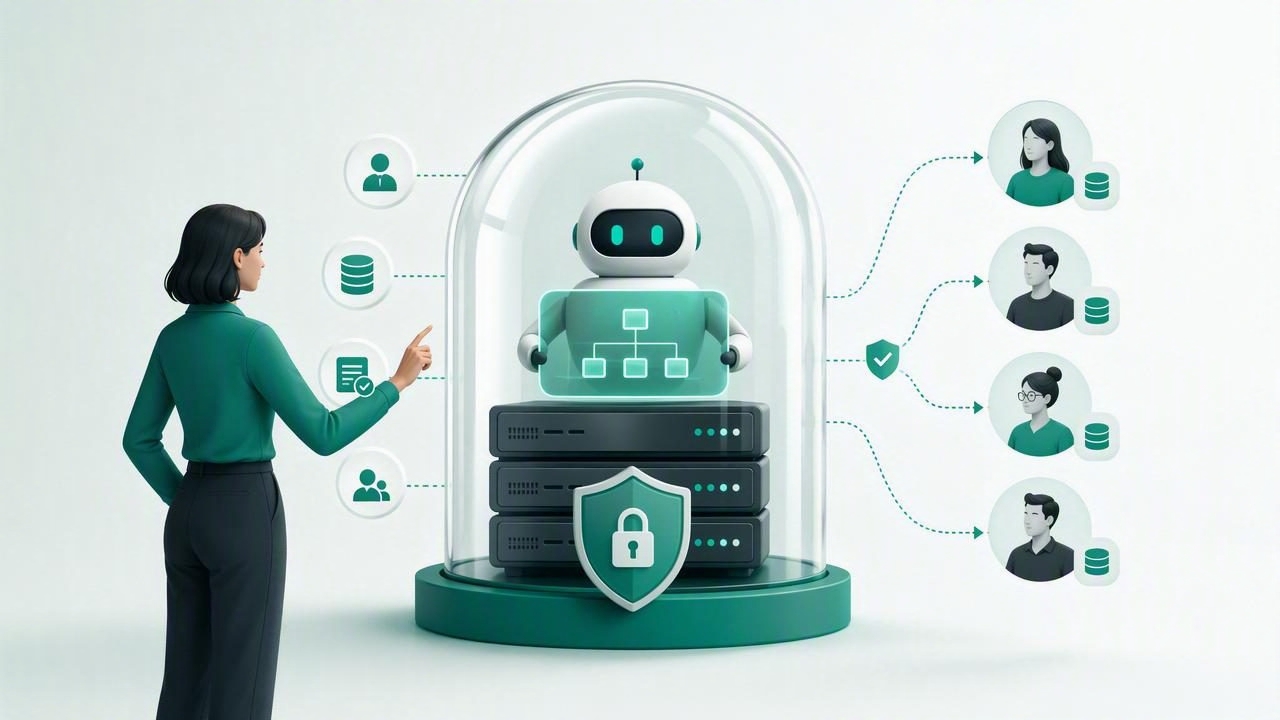
AI agents can answer common questions, qualify leads, retrieve information from documents, and support customers around the clock. But for agencies managing multiple brands, automation alone is not enough. Teams also need visibility, approval workflows, client-specific data boundaries, and reliable ways to intervene when an AI conversation becomes sensitive or complex.
That is why many agencies are evaluating self hosted AI agent software for more human control. Instead of treating an AI agent as a black box hosted entirely by a third party, a self-hosted approach can give the agency more authority over infrastructure, permissions, models, knowledge sources, and conversation handling.
Self-hosting does not mean removing humans from the loop. In practice, its greatest value is often the opposite: it gives people more control over what agents know, what they can do, when they must escalate, and who can access client conversations.
What Does Self-Hosted AI Agent Software Mean?
Self-hosted AI agent software is software that an organization deploys and operates in its own infrastructure or in a cloud environment it controls. The agency may run it on a private server, virtual private cloud, dedicated cloud account, or container platform. This differs from a fully managed software-as-a-service product, where the vendor controls the application environment and much of the operational stack.
For an agency, self-hosting can be especially relevant when deploying branded WhatsApp AI agents, lead qualification assistants, or client support agents. These systems routinely process business information, customer messages, internal documents, and contact details. Human control depends on more than the prompt an agent receives; it depends on the systems around the agent.
A practical deployment often includes the following components:
- An AI agent application and administrative dashboard
- A database for client settings, conversations, and user permissions
- A vector database or retrieval layer for client knowledge bases
- Connections to OpenAI-compatible models or private model endpoints
- Messaging integrations, such as WhatsApp business workflows
- An inbox where human team members can review and take over chats
Why Human Control Matters in AI Agent Operations
An AI agent may be fast, but it does not automatically understand business risk, brand nuance, or customer intent. A customer asking about an invoice dispute, medical concern, contract condition, or account cancellation may need a human response. The agency needs clear rules for detecting these moments and routing them to the right person.
Human control should be designed into the entire workflow, not added as an emergency feature. That means staff can inspect the source material used by the agent, correct a poor response, pause automation for a client, and take ownership of a conversation without losing context.
Good AI operations do not ask, “How can we automate every message?” They ask, “Which messages can be handled safely, and when should a qualified person step in?”
This distinction protects client relationships. It also helps agencies create a dependable service rather than selling an agent that works only in ideal demo conditions.
Core Controls to Look For
1. Client Isolation and Role-Based Access
Multi-client agency operations require strict separation. One client’s documents, chat history, agent prompts, and contacts should never appear in another client workspace. This is both a trust requirement and an operational necessity.
Look for workspaces or tenants that isolate data by client, combined with role-based access controls. For example, an agency administrator may manage platform-wide settings, an account manager may view only assigned client accounts, and a client operator may access only their own inbox and knowledge base.
| Role | Recommended Access | Why It Matters |
|---|---|---|
| Agency administrator | Platform configuration and client provisioning | Maintains governance across accounts |
| Account manager | Assigned client agents and conversations | Supports client service without overexposure |
| Client operator | Own workspace, inbox, and approved documents | Keeps ownership with the client team |
| Human responder | Assigned handoff queues only | Limits access to relevant conversations |
2. Knowledge Base Approval and Version Control
Many agent failures start with poor source material. Outdated PDFs, conflicting policy documents, and unreviewed web content can lead to inaccurate answers. With self-hosted AI agent software, agencies can establish an editorial process around each client knowledge base.
Before information reaches an agent, it should be reviewed for accuracy, ownership, and relevance. Consider assigning a document owner, upload date, expiration date, and approval status to every source. When a pricing sheet changes or a service policy is retired, the agency should be able to remove or replace it quickly.
A useful rule is simple: if a human would not confidently send the document to a customer, the agent should not use it as a source.
3. Configurable Human Handoff
Human handoff is not merely a “contact us” button. It is a routing process that transfers the conversation, history, user details, and reason for escalation to a person who can act.
Effective handoff policies can be triggered by:
- Explicit requests such as “speak to a person” or “call me”
- High-value lead signals, including budget, timeline, or buying intent
- Negative sentiment, repeat complaints, or unresolved questions
- Topics excluded from automation, such as legal, financial, or medical advice
- Low-confidence retrieval results or repeated agent uncertainty
The human responder should see the complete transcript and relevant customer context. Asking customers to repeat themselves after escalation undermines confidence and adds friction.
Self-Hosted vs Managed AI Agent Platforms
Self-hosting is not automatically the right choice for every agency. A managed AI agent cloud can reduce setup time and operational burden, while self-hosting gives teams deeper control. The right decision depends on client needs, internal technical capability, compliance expectations, and service model.
| Consideration | Self-Hosted Deployment | Managed Cloud Deployment |
|---|---|---|
| Infrastructure control | Agency controls hosting environment | Provider controls core environment |
| Customization | Greater ability to adapt workflows and integrations | Usually constrained to supported settings |
| Maintenance | Agency handles updates, backups, and monitoring | Provider handles most operational tasks |
| Speed to launch | May require technical setup | Typically faster for standard use cases |
| Data governance | More direct control over storage and access | Depends on vendor controls and agreements |
A hybrid strategy is also possible. An agency can start with managed infrastructure for lower-risk deployments, then move larger or more regulated clients to a self-hosted environment once the workflow is proven.
How to Build a Human-Controlled Agent Workflow
Before deploying an agent, map the customer journey and define the limits of automation. Avoid vague requirements such as “answer all customer questions.” Instead, specify approved tasks, restricted topics, escalation owners, and expected response outcomes.
- Define the agent’s job. For example, answer service FAQs, collect lead details, and book consultations.
- Create client-specific knowledge boundaries. Upload only approved documents and separate them by workspace.
- Write escalation rules. Identify phrases, topics, and confidence thresholds that trigger a human handoff.
- Assign queue ownership. Every handoff should have a named person or team responsible for responding.
- Set permission levels. Limit who can alter prompts, upload knowledge, export conversations, or change integrations.
- Review real conversations. Sample chats weekly to find unanswered questions, weak sources, and unsafe responses.
- Improve with evidence. Update knowledge and instructions based on observed customer needs, not assumptions.
Security Practices That Support Human Oversight
Human control also requires security discipline. If too many users can access the platform, export transcripts, or modify agent behavior, oversight becomes difficult. Agencies should establish a minimum set of controls before onboarding clients.
- Use unique user accounts rather than shared agency logins.
- Enable multi-factor authentication where available.
- Apply least-privilege permissions for staff and clients.
- Encrypt data in transit and at rest.
- Keep backups and test restoration procedures.
- Maintain audit logs for configuration changes and sensitive actions.
- Document data retention and deletion processes for each client.
It is also important to understand model-provider data policies. A self-hosted application can still send prompts to an external model endpoint. Agencies should know what information leaves their environment, what is retained by providers, and whether sensitive data should be minimized or redacted before model requests are made.
Measuring Whether Human Control Is Working
Automation metrics alone can be misleading. A high containment rate may look efficient, but it may also indicate that customers cannot easily reach a person. Measure agent performance alongside customer experience and human intervention quality.
Useful indicators include:
- Handoff rate by topic and client
- Average time to first human response after escalation
- Resolution rate after handoff
- Repeated-question rate
- Knowledge base gaps discovered during reviews
- Customer satisfaction for automated and human-assisted conversations
- Unauthorized access attempts or permission-related incidents
Review these metrics with clients regularly. The goal is not to eliminate handoffs; it is to make every handoff intentional, timely, and useful.
Choosing a Sustainable Approach
Self-hosted AI agent software can give agencies meaningful control over how client data, agent behavior, and human intervention are managed. However, that control comes with responsibility. Teams need someone accountable for updates, monitoring, backups, access reviews, and incident response.
For agencies that need an open-source foundation for isolated client workspaces, WhatsApp conversations, knowledge bases, OpenAI-compatible models, and human handoff, OpenLivery is one option to evaluate alongside managed alternatives. The most important decision is to select a setup that lets automation increase responsiveness while keeping people firmly in charge of high-stakes customer interactions.
